This article will show you how to make a payment on your account.
Payments can be made via the Jet portal or if you do not have access via the pay online page.
Pay Via Jet Portal
1. Using the navigation on the left-hand menu, click on Billing & then Pay Now.

2. Under the billing summary, click on Pay Balance, This will automatically pull in your default card on the account.

Note: You can change this to a different card if needed (this must already be set up on your account) and then select Pay to process.
If you do not have a card set up on your account, please view our article on How to update your credit card
Pay Via Pay Online
If you do not have access to your Jet portal, you can still make a payment online. You will need to know your 4 digit Jet Interactive account number.
1. Head to https://portal.jetinteractive.com.au/pay-online
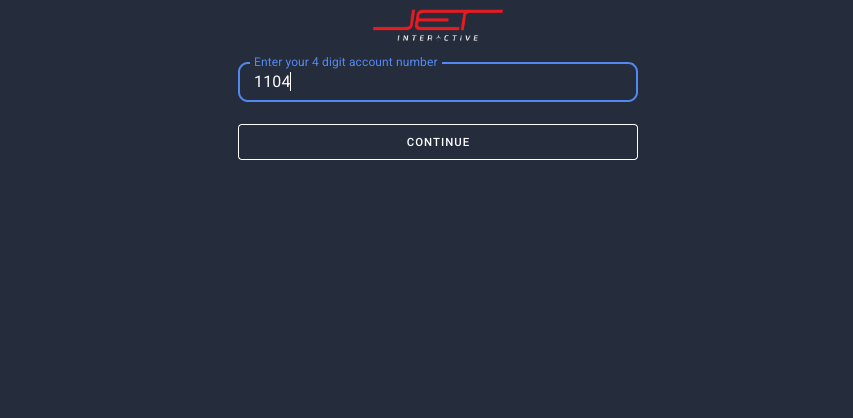
2. Enter your 4 digit account number and click continue
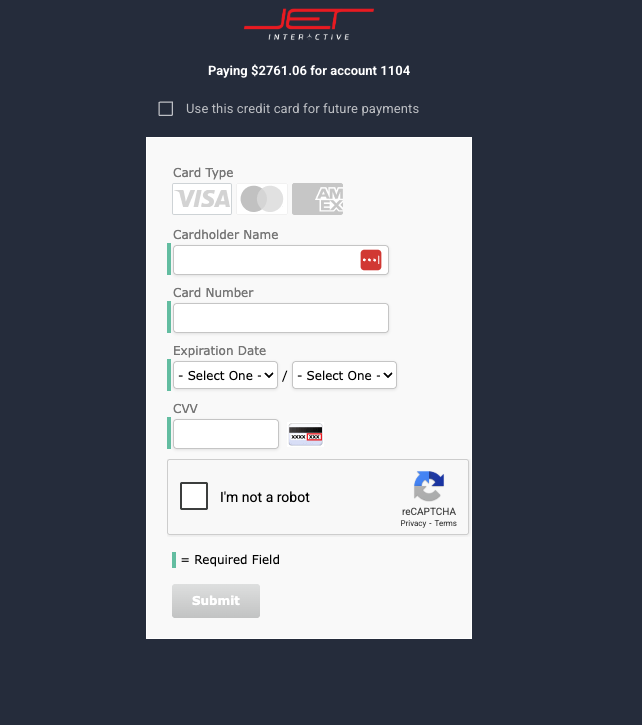
3. Enter your card details and click submit